



Microsoft 365 is used by businesses and individuals all over the world. It comprises a suite of applications that are useful as standalone tools, but that also work seamlessly together. In a business environment, Microsoft 365 applications and features allow teams and colleagues to collaborate more efficiently than ever before. Its applications can be reached anytime, anywhere – with the required log-in information of course. For further information on Microsoft 365 and its features, read through our in-depth guides below.
What are the features of Microsoft 365?
The suite of applications within Microsoft 365 is growing all the time, as Microsoft continues to develop new software designed to make life easier. Therefore it’s no wonder that many business owners choose to invest in Microsoft 365 licences for their teams. Working as a subscription-based service, it can cost between £4 and £10 per user, per month.
Some of the most popular features of Microsoft 365 include:
- Microsoft Outlook
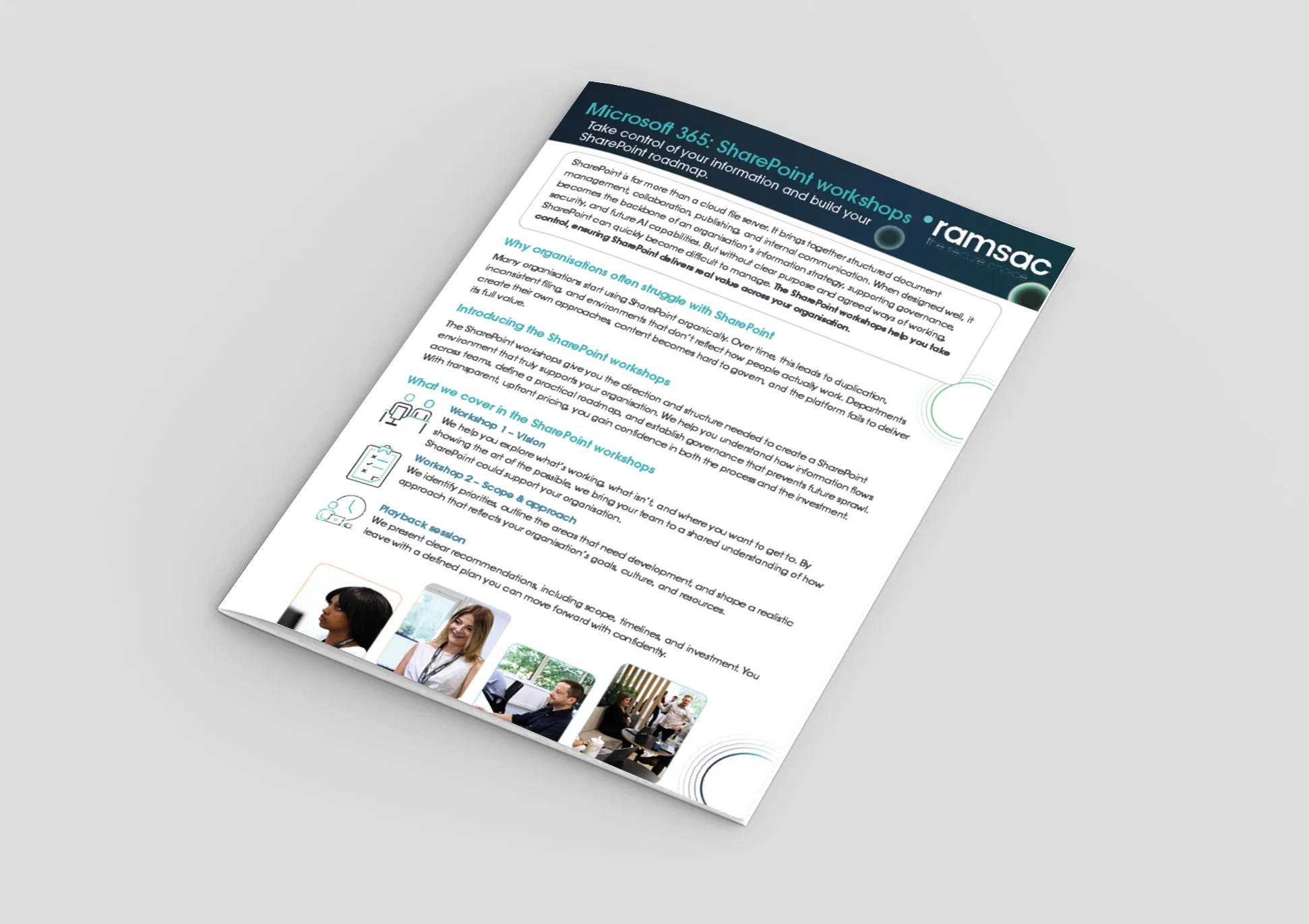
- Microsoft SharePoint
- Microsoft Teams
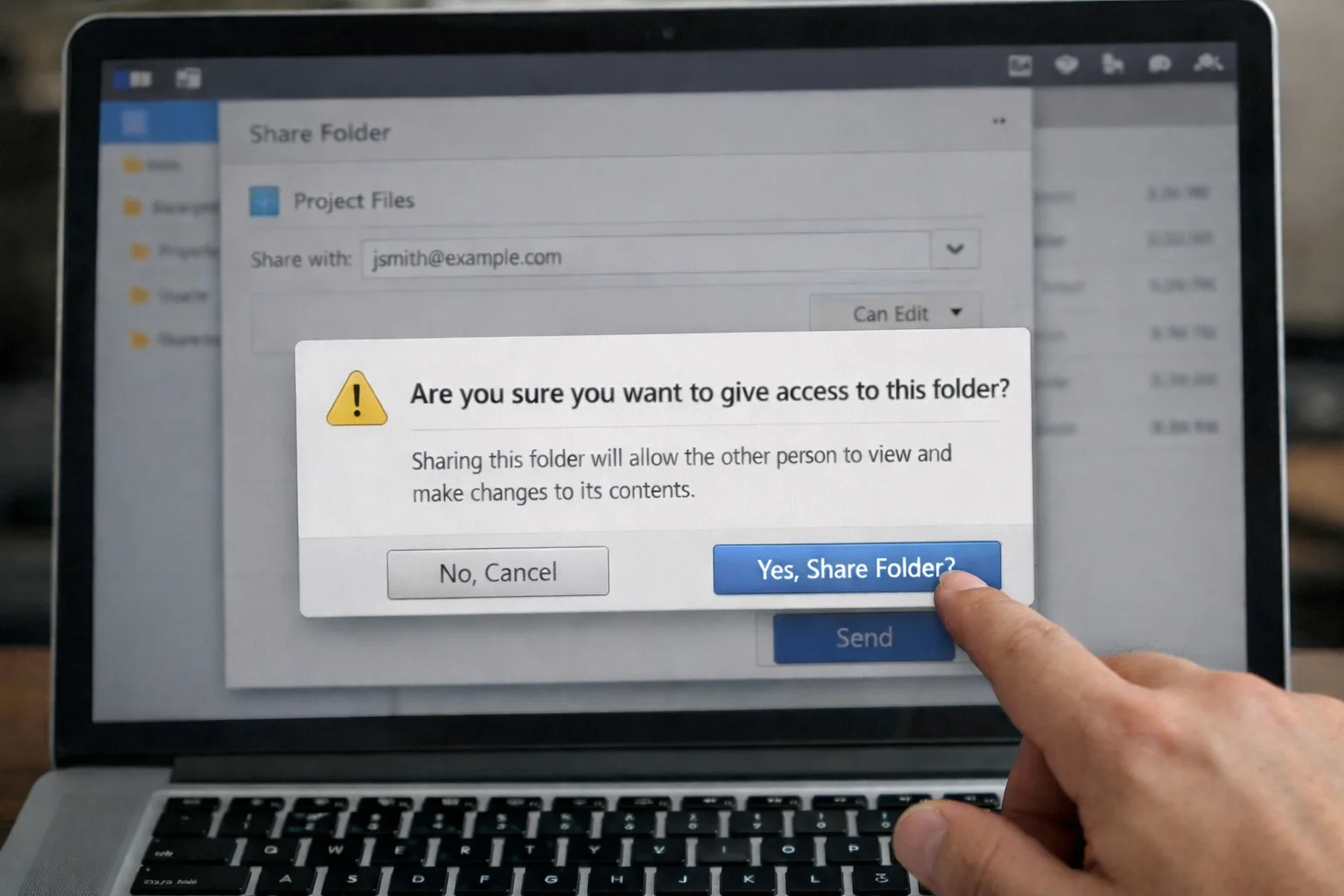
- Microsoft OneDrive
Discover more
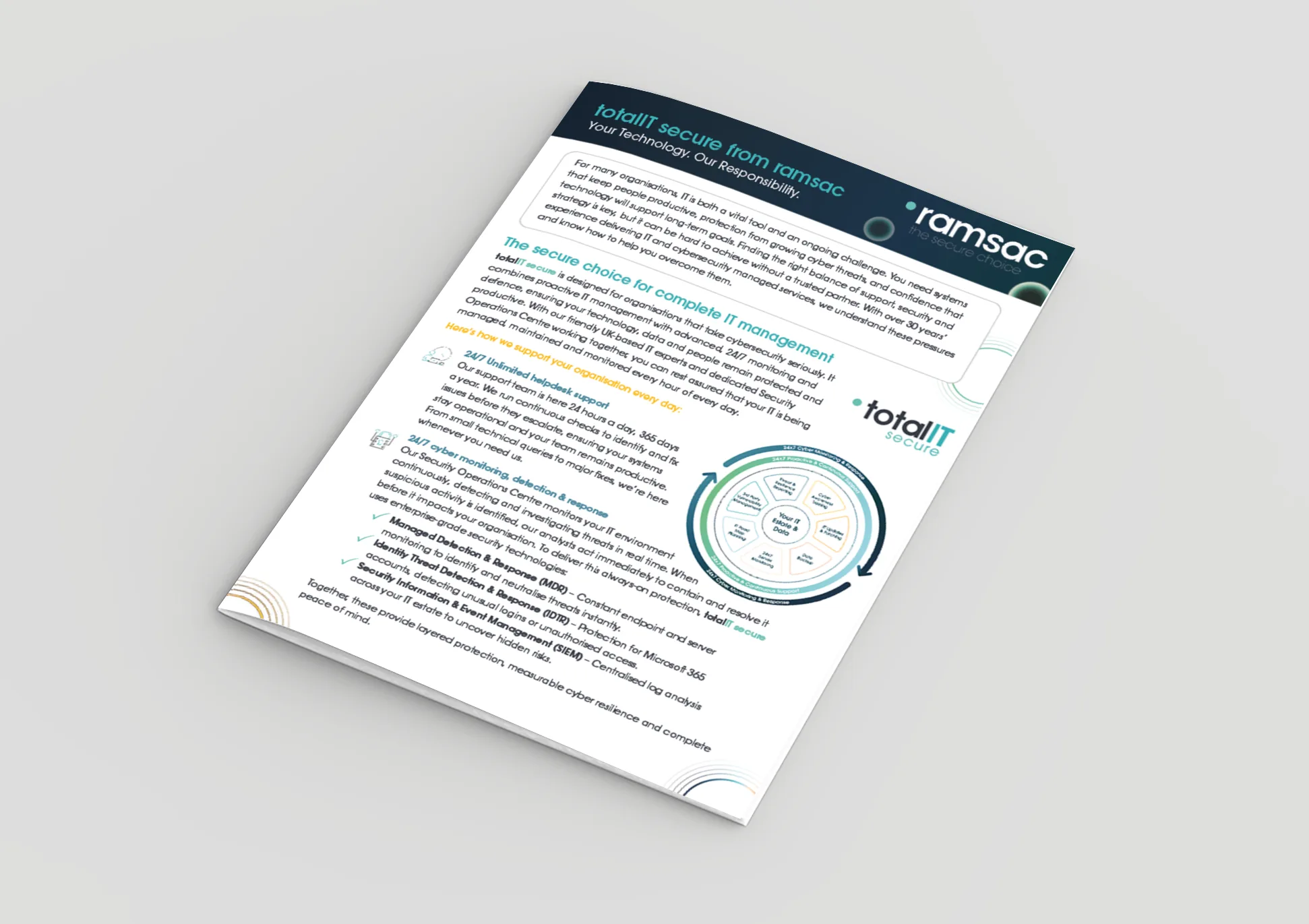
Click on one of the items below to learn more about these features, and how they integrate together to offer various business solutions concerning communication, collaboration, and organising work.
[include slug=”inc/snippet/resources-card” id=’9519’/]
[include slug=”inc/snippet/resources-card” id=’9520’/]
[include slug=”inc/snippet/resources-card” id=’9518’/]
[include slug=”inc/snippet/resources-card” id=’9522’/]

How can we help you?
The team at ramsac are well-versed in migrating systems over to Microsoft 365, so if this is something you’re considering, be sure to get in touch. We know how to make the process as simple as possible, to minimise disruption within your business. If you’re yet to decide, check out our Introduction to Microsoft 365, to find out if this suite of software suits your needs.
We’d love to talk to you about your specific IT needs, and we’d be happy to offer a no-obligation assessment of your current IT setup. Whether you are at a point of organisational change, unsure about security, or just want to sanity-check your current IT arrangements, we’re here to help.